
Blog · social saves
How to Save Workouts From TikTok, Instagram and YouTube
· GymPilot Team
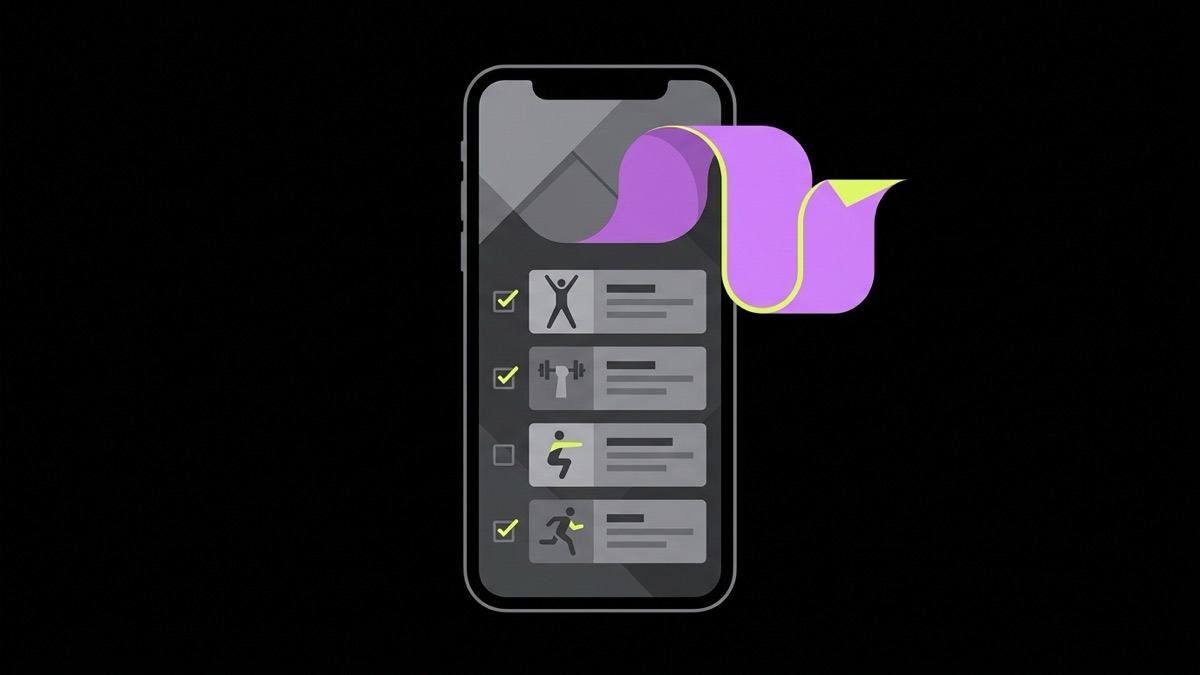
You save workouts from social media the way most people do: you watch a good clip, tap the bookmark icon, and tell yourself you will get to it later. A TikTok clip, an Instagram Reel, a YouTube video, a Facebook post: the platform changes, the pattern does not. The clip sits in a folder you never open again. A saved video is not the same thing as a workout you can walk into a gym and actually do, and closing that gap is the entire point of this guide: what has to happen between "I saved this" and "I did this today."
Key takeaways
- A saved video only becomes useful once it turns into exercises, sets, reps and equipment you can read at a glance, not a caption you have to rewatch to understand.
- Saving works on public posts only. Private accounts and private posts cannot be read by anything, including GymPilot.
- Nothing is downloaded. A public title, caption, transcript and a few images are read once to build a written workout, then reviewed and edited by you.
- Organizing saved workouts into collections and favorites is what keeps ten good videos from turning into ten forgotten ones.
- A written workout is also something you can actually schedule, which a bookmarked link never is.
Why saved videos turn into a graveyard
Bookmarking is nearly free, which is exactly the problem. Saving a clip takes one tap and no thought about whether you will use it. Doing the workout later takes rewatching the video, pausing it three times to catch the exercise names, guessing at the rep count the creator mumbled once, and figuring out whether the "quick arm burner" was meant to stand alone or slot into a longer session. Most people do that math once, decide it is not worth repeating, and quietly stop opening their saved folder.
None of that is a discipline problem. It is a format problem. A video is built to be watched, not referenced mid-set with chalk on your hands. A workout you can actually run needs to look like a list: exercise, sets, reps, rest, in that order, readable in the time it takes to walk to the rack.
Open most people's saved folder on any platform and you will find the same pattern: forty or fifty saved workout videos, almost none of them opened twice. That is not because the workouts were bad. It is because the folder is a list of videos, not a list of workouts, and those are two different things wearing the same icon. A video answers "does this look like something I'd want to try." A workout answers "what do I do first, how many times, and when do I rest." Saving solves the first question and does nothing for the second, so the gap between them is exactly where good intentions go to die.
What happens when you paste a link
GymPilot's whole job is turning the first kind of thing into the second. You paste a public link from TikTok, Instagram, YouTube or Facebook. A Cloudflare Worker fetches that post's public title, caption, transcript and up to eight images. That content goes to Google Gemini, which reads it and returns a structured workout: exercise names, sets, reps, equipment, duration, workout type. Not affiliated with, endorsed by, or sponsored by TikTok, Instagram, YouTube or Facebook.
Two details matter more than the rest. First, this only works on public posts. A private account or a followers-only post is not readable by anything outside that account's own followers, GymPilot included, so there is no way around that and no reason to try. Second, no video is downloaded and no video ever leaves the platform it lives on. The Worker reads what is already public, sends the AI model text and a handful of frames, and nothing else about your device or your accounts is touched in the process. The AI itself never runs on your phone; it runs once, on the server, to build the workout, and the result comes back to you in a review editor before anything is saved.
That review step is not decoration. AI reads a caption well but it does not read a trainer's mind, and a clip that never states a rep count will come back with a gap where the rep count should be. You are meant to look at what came back, fix anything that is wrong, fill in anything that is missing, and only then save it. A workout you never checked is not one you should trust with a barbell in your hands.
What a link can tell you and what it cannot
Be honest about what you are actually working from. A ninety-second clip can show you an exercise, a rough tempo and sometimes a rep count. It usually cannot show you why the coach programmed it that way, what came before it in their own training, or whether the person on screen has years of experience your joints do not have yet. A structured workout inherits both sides of that: the exercises and the numbers the video actually gave you, and none of the coaching context a real trainer would normally supply in person.
That is why the review step exists and why it matters more than it looks like it does. Reading through what came back, checking that the exercises make sense together and that the rep ranges are not wildly out of line with your own experience, is the closest thing to a second opinion you get from a video. Nothing here replaces a coach if you have access to one, and nothing here is medical or injury guidance. It is a way of turning a public clip into a plan honestly, without pretending the clip said more than it did.
What a structured workout actually contains
Here is what the difference looks like in practice. Say a strength coach posts an Instagram Reel showing a full body session. Watched as a video, it is ninety seconds of demonstration with a caption that says "full body burner, let's go." Turned into a structured workout, it reads like this:
Barbell Squat for 3 to 4 sets of 8 to 12 reps, 90 seconds rest. Romanian Deadlift for 3 sets of 8 to 10 reps, 90 seconds rest. Bent Over Barbell Row for 3 sets of 8 to 12 reps, 60 to 90 seconds rest. Standing Dumbbell Press for 3 sets of 8 to 10 reps, 60 to 90 seconds rest. Pushups for 2 to 3 sets to a hard but controlled finish, 60 seconds rest. Plank for 2 to 3 sets of 30 to 45 seconds, 45 seconds rest.
That is a workout you can read once at the rack and run without pausing a video. A shorter TikTok clip built around a floor circuit might come back looking more like this instead: Crunches for 3 sets of 15 to 20 reps, Mountain Climbers for 3 sets of 20 to 30 reps, Dead Bug for 2 to 3 sets of 8 to 10 reps per side, and Superman for 2 to 3 sets of 12 to 15 reps, with 30 to 45 seconds rest between moves. Same idea, different equipment, same readable shape. That shape, not the video, is what you actually train from.
Keeping saved workouts organized
One saved workout is easy to remember. Thirty of them are not, which is why the library exists as more than a flat list. Collections group related workouts together, so a batch of upper body sessions from three different creators can sit under one label instead of scattered chronologically by whenever you happened to save them. Favorites surface the handful you actually keep coming back to. Filters by type, difficulty and equipment let you find "something bodyweight I can do in a hotel room" in a few taps instead of scrolling back through months of saves. If a workout never came from a video at all, a manual editor lets you build one from scratch and file it next to everything else, so the library is not limited to what happened to show up in your feed.
None of this replaces judgment. Organizing ten workouts you will never do is still ten workouts you will never do. What it does is remove the friction that turns "I'll get to it" into "I forgot this existed," which is most of what kills a saved workout in the first place.
Common ways saved workouts go wrong
A few patterns show up often enough to name. The first is saving everything and sorting nothing: a hundred workout videos in one undivided pile, which is functionally the same as having zero, since finding any specific one takes longer than just watching a new video instead. Collections exist specifically to break that pile into pieces small enough to actually browse.
The second is treating a single video as a whole training week. One thirty-minute upper body session from a creator's feed is one day, not a program. Building an actual week means pairing it with something for the days it does not cover, whether that is another saved workout, a manual entry, or a rest day you name on purpose instead of one that just happens by default.
The third is losing the numbers between saving and doing. You watch the clip, remember roughly what it involved, and improvise the sets and reps on the day because you did not write anything down. That is where a structured workout earns its keep: the sets, reps and rest are sitting there in the same list as the exercise names, so there is nothing left to remember on the day itself.
Turning saves into a plan you will actually run
A written workout still needs a day and time attached to it before it becomes something you show up for. That is what a calendar is for: a week strip showing what is scheduled today, what is coming up, and how many days in a row you have kept the streak going. A player then steps through the saved workout exercise by exercise during the session itself, marking sets done and recording what you actually did, so the record of your training is not "I think I did that" but an actual history you can look back on.
Save it in GymPilot and put the first session on your calendar this week: try GymPilot.
Where to go next
This post covers the general shape of saving and organizing workouts. Three follow-up guides go deeper on a single platform, since TikTok, Instagram and YouTube each have their own quirks worth knowing:
How to Save TikTok Workouts and Actually Do Them covers the platform where workout content moves fastest and disappears from your feed just as quickly.
How to Organize Instagram Workout Reels Into a Plan is for anyone whose saved folder is mostly Reels from a handful of coaches they follow.
Turn a YouTube Workout Video Into a Written Routine handles the longest format of the three, where a single video often contains an entire multi-week program rather than one session.
Between them and this guide, the goal is the same: stop treating a saved video as a finished plan, and start treating it as the raw material for one.
Fitness content on this page is general information, not medical advice: consult a professional if you have a condition or injury.
Questions
Is it possible to save workouts from private accounts or private posts?
No. Saving works on public posts only. A private account or a post set to followers only cannot be read, because the underlying content is not public in the first place.
Does saving a workout download the video itself?
No. Nothing gets downloaded to your device. The public title, caption, transcript and a handful of images are read once to build a written workout, then the link is done being used.
What if the clip does not show sets or reps?
Plenty of workout videos show a move but never say how many reps. When that happens you get a workout with the exercises and equipment filled in and a gap where the numbers should be, which you fill in yourself in a quick review step.
Can I save workouts from more than one platform in the same place?
Yes. A TikTok clip, an Instagram Reel, a YouTube video and a Facebook post can all land in the same library, sorted the same way, instead of living in four different apps' bookmark tabs.
Do I need an account to save and organize workouts?
No. The library works fully on the device, without sign-in, so there is nothing to set up before your first save.
What is GymPilot?
GymPilot is an iPhone app by Viral Labs that turns a public workout link from TikTok, Instagram, YouTube or Facebook into a structured workout with exercises, sets, reps and rest, which you can save, schedule and train from. It also includes an 873-exercise library and an AI program builder.
Is GymPilot free?
Yes. The free version includes 5 imports a month and 1 collection. GymPilot Pro removes those limits and is sold monthly or yearly through the App Store.
Does GymPilot download videos?
No. GymPilot reads only what a public post makes visible, such as the caption, slides and transcript, and it does not download the video, work on private posts, or bypass any platform restriction.